LESCO Demand Notice 2026: How to Print, Check and Pay for a New Connection
Applying for a new electricity connection in Lahore or nearby districts has one step that confuses almost everyone: the LESCO demand notice. People wait weeks for it, then are surprised by the amount, or pay it and do not know what to do next.
This guide explains the LESCO demand notice from start to finish: what it is, how to print it, what each charge means, how much single phase and three phase connections cost, where to pay and what happens after payment. If you have not applied yet, start with our full LESCO new connection guide.
Table of Contents
What Is a LESCO Demand Notice?
A LESCO demand notice is an official document that tells you how much you must pay before LESCO installs a new connection or makes certain changes, such as a load extension. Think of it as the quotation and the bill combined.
LESCO issues the demand notice only after it has checked your application, verified your documents and surveyed the site. The amount depends on your connection type (single phase or three phase), the load you applied for, the distance from the nearest pole and other technical needs.
Until the LESCO demand notice is paid and verified, your application cannot move to the installation stage.
Where the Demand Notice Fits in the New Connection Process
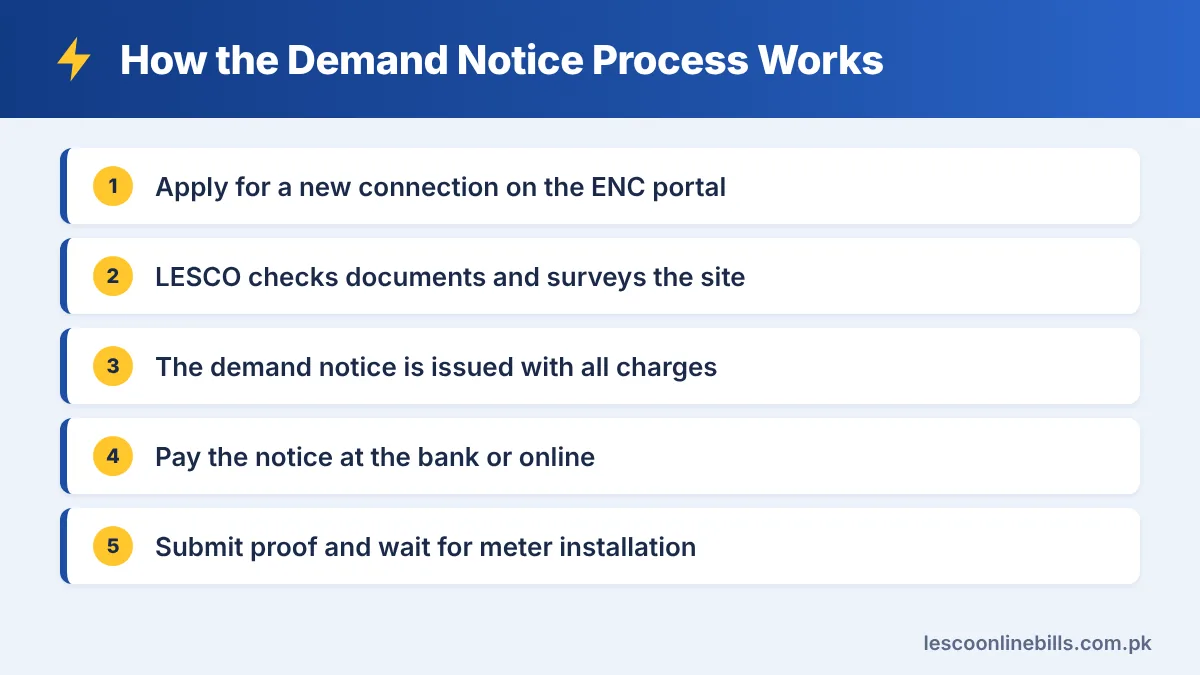
- Apply: submit your application on the ENC (E-New Connection) portal or at your sub-division.
- Verification: LESCO checks your documents and identity.
- Site survey: staff check the site, distance to the pole and load.
- Demand notice issued: the LESCO demand notice is generated with all charges.
- Payment: you pay the notice at the bank or online.
- Installation: after payment is verified, the meter and service line are installed.
You can follow every stage with your tracking ID. The ENC portal is linked from the official LESCO website under Customer Services.
How to Print Your LESCO Demand Notice Online
Once your application reaches the demand notice stage, you can print it yourself:
- Open the ENC portal at www.enc.com.pk.
- Choose the option to track your application or print the demand notice.
- Enter your tracking ID (received after applying) or your CNIC number without dashes.
- Open the demand notice and check every detail.
- Download or print it. Keep at least two copies.
- Pay it at the bank named on the notice, or use the online payment option if your application shows one.
If the print option is not showing yet, your application is probably still at the verification or survey stage. Check the status again after a few days, or visit your sub-division office.
What Charges Are on a LESCO Demand Notice?
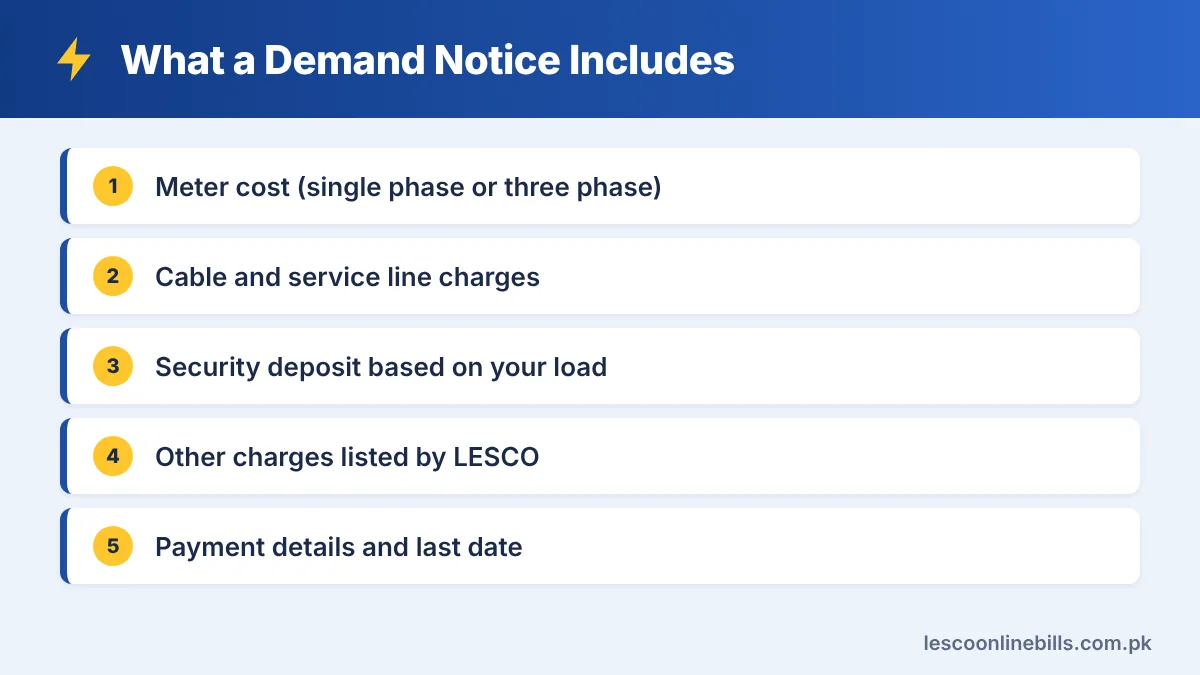
Every LESCO demand notice lists its charges separately. The main items are:
| Charge | What it covers |
|---|---|
| Meter cost | The new meter, now usually a smart (AMI) meter for single phase |
| Cable and service line | Cable from the pole to your meter; more if the distance is long or poles are needed |
| Security deposit | A refundable deposit based on your connection type and load |
| Other charges | Any other items LESCO lists for your case |
| Payment details | Bank name, account details and the last date to pay |
Contractor or wiring fees inside your property are separate. They are paid to your own electrician and do not appear on the LESCO demand notice.
LESCO Demand Notice Amount in 2026
Single Phase Connection
For a normal home, the single phase connection is the most common. In March 2026, news reports said the total for a new single phase connection rose from about Rs6,400 to about Rs21,300, which included:
- About Rs17,700 for the single phase smart meter and cable.
- About Rs3,660 in security charges.
The jump came mainly from the switch to smart (AMI) meters after static meters were phased out. Contractor fees and other site costs are paid separately. Our LESCO smart meter guide explains the new meters.
Three Phase Connection
Three phase connections are for larger homes and businesses with higher loads. In mid-2024, LESCO raised the three phase demand notice fee from about Rs33,500 to about Rs63,450, effective 1 July 2024, according to news reports at the time. Rates may have changed since, so always rely on the amount printed on your own LESCO demand notice.
Long Service Lines
If your property is far from the nearest pole, cable and service line charges rise. Figures reported in 2025 listed higher charges for longer cable runs and for lines that need one or two extra poles. Your survey report decides the length, and the demand notice shows the final amount.
Buying a Single Phase Meter Yourself
In October 2025, LESCO allowed consumers to buy single phase smart meters from LESCO-approved manufacturers instead of waiting for company stock, under a No Objection Certificate (NOC) scheme. LESCO then issues the demand notice for the remaining charges.
If meters are short in your area, ask your sub-division whether this option is available for your application, which manufacturers are approved and how the NOC works. Never buy a meter from an unapproved seller, because it will not be accepted.
Where and How to Pay the LESCO Demand Notice
- At the bank: take the printed notice to the bank named on it and pay over the counter. Keep the stamped paid copy.
- Online: if the ENC portal shows a payment option for your application, you can pay online and save the receipt.
- Before the last date: pay within the time written on the notice. A late payment can delay or cancel the process.
After paying, upload or submit the paid copy as instructed on the ENC portal or at your sub-division. LESCO needs to verify the payment before it can schedule installation.
What Happens After You Pay the Demand Notice?
- LESCO verifies your payment.
- The meter and materials are issued for your connection.
- A team installs the service line and meter at your property.
- Your connection is activated and a reference number is created.
- Your first bill arrives in the next billing cycle.
Once your connection is active, save your 14-digit reference number. Our LESCO reference number guide explains where to find it, and you can check your first bill on our LESCO bill check page.
Documents You Need Before the Demand Notice
The LESCO demand notice is only issued when your documents are complete. Keep these ready when you apply:
- Attested copy of the applicant’s CNIC.
- Proof of ownership, such as a registry, sale deed or allotment letter.
- A recent electricity bill of a neighbour.
- Wiring contractor’s test report for your property.
- Attested CNIC copy of a witness, where required.
- Any affidavit or site plan your sub-division asks for.
Missing or unclear documents are the most common reason a LESCO demand notice is delayed.
Why Your LESCO Demand Notice Is Delayed
| Reason | What to do |
|---|---|
| Documents incomplete | Upload or submit the missing papers |
| Site survey pending | Contact the sub-division and confirm a visit date |
| Load or category mismatch | Correct the application to match your real need |
| Meter shortage | Ask about the approved-manufacturer NOC option |
| Network work needed | Ask whether a transformer or pole upgrade is required |
If your application is stuck for weeks with no reason, call the 118 helpline or file a complaint. Our LESCO helpline and LESCO complaint guides explain how.
LESCO Demand Notice for Load Extension
A demand notice is also issued when you ask to increase your sanctioned load, for example when you add ACs or move from single phase to three phase. The charges differ from a new connection and depend on the extra load. Our LESCO load extension guide covers this.
Remember that a higher sanctioned load can also change your monthly fixed charges. Read LESCO fixed charges before you ask for more load than you need.
Demand Notice for Solar and Net Metering
Solar users who apply for net metering go through a different process with its own documents and approval steps, including a bidirectional (green) meter. If you plan solar soon, read our LESCO net metering guide and our page on green meter price in Pakistan before you apply for a normal connection.
How to Check a Demand Notice Is Genuine
Fake notices and middlemen are a real problem around new connections. Protect yourself:
- Print the LESCO demand notice yourself from the official ENC portal, not from someone’s WhatsApp message.
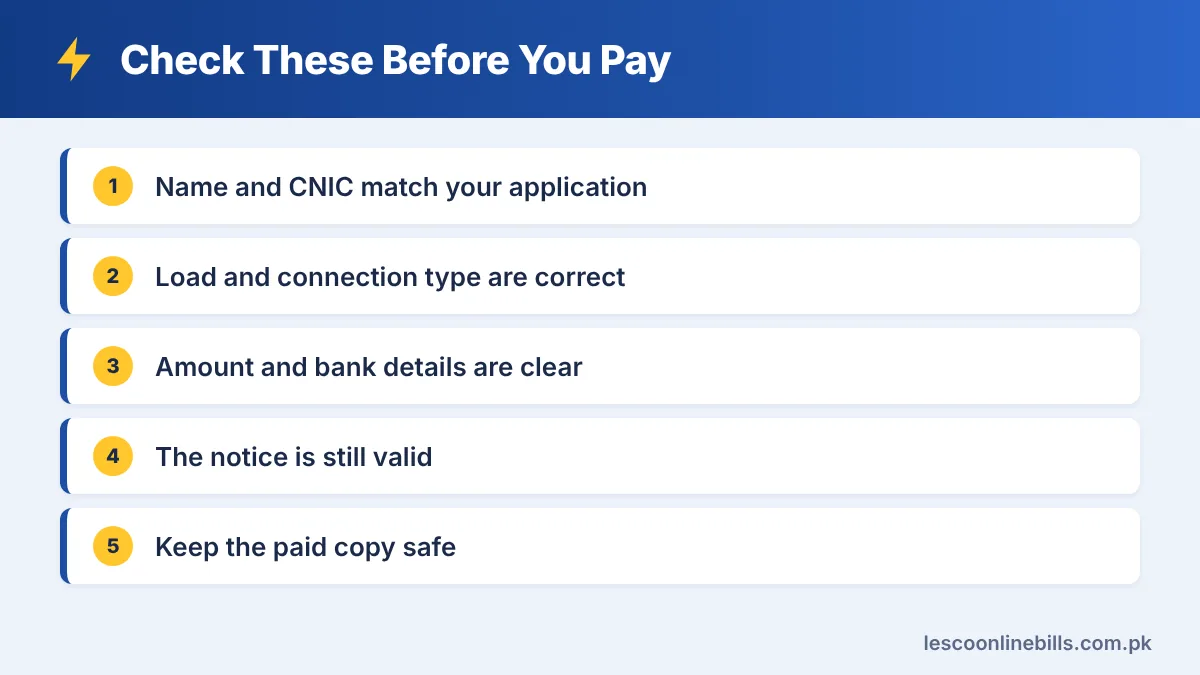
- Check that your name, CNIC, address and load match your application.
- Pay only at the bank or online channel shown on the official notice.
- Never pay cash to anyone who promises a “fast meter”.
- Keep the paid copy and the bank receipt until your connection is installed.
If someone asks for extra money outside the demand notice, report it to LESCO through the 118 helpline or at the sub-division office. Honest staff and the official portal are all you need to get a new connection safely and on time.
How to Read Your LESCO Demand Notice
A LESCO demand notice can look technical, but most of it is simple once you know what each part means:
- Applicant details: your name, father’s or husband’s name, CNIC and address. These must match your application exactly.
- Application or tracking number: the ID you use on the ENC portal. Write it on the back of every copy.
- Connection type and tariff: for example domestic single phase. A wrong category changes your future bills.
- Load: the sanctioned load you applied for, in kW.
- Charges: each item listed separately with a total at the bottom.
- Bank and last date: where to pay and the final date for payment.
If any line is unclear, ask the sub-division to explain it before you pay. It is much easier to fix a LESCO demand notice before payment than after.
Commercial and Shop Connections
Shops, clinics, offices and small workshops need a commercial connection. The application process is similar, but the LESCO demand notice for commercial connections usually has a higher security deposit and may need a larger cable or three phase supply, depending on the load. Apply for the real business load from the start, because running a business on a domestic meter can lead to a category change and detection charges later. Our LESCO detection bill guide explains why that is risky.
Is the Security Deposit Refundable?
The security deposit on your LESCO demand notice is held by LESCO as long as your connection stays active. When a connection is permanently disconnected and all dues are cleared, the account holder can apply to the sub-division for a refund under the applicable procedure. Keep your paid demand notice and bank receipt safely, because you will need them as proof years later.
A Realistic Timeline
| Stage | Typical wait |
|---|---|
| Application to verification | A few days to two weeks |
| Site survey | Depends on your sub-division’s workload |
| Demand notice issued | Soon after a clear survey |
| Payment to installation | Depends on meter stock and field teams |
If your area needs a new pole or transformer work, add extra time for material and approvals. Times vary a lot between areas and seasons. Summer demand and meter shortages can slow things down, so apply early and check your status every few days.
Applying for Someone Else
Many people apply on behalf of parents or relatives. That is fine, but the LESCO demand notice will be in the applicant’s name, so use their CNIC, ownership papers and mobile number consistently. If you use your own number for SMS updates, tell the applicant so nobody misses a message about the survey or payment. After installation, keep a copy of the paid notice with the property papers.
Common Mistakes With the LESCO Demand Notice
- Paying an old notice after its last date.
- Paying without checking the name, CNIC and load.
- Losing the paid copy before installation.
- Forgetting to upload or submit proof of payment.
- Applying for more load than needed, which raises the cost and later fixed charges.
- Trusting agents instead of the official ENC portal.
Quick Checklist
- Tracking ID saved.
- Documents complete and clear.
- LESCO demand notice printed from ENC.
- Details checked before payment.
- Paid at the official bank or online channel.
- Paid copy uploaded or submitted.
- Status checked until the meter is installed.
LESCO Demand Notice FAQs
What is a LESCO demand notice?
It is the official bill of charges for a new connection or load change. LESCO issues it after checking your application and site. It lists the meter cost, cable or service line charges, security deposit and other fees you must pay before installation.
How can I print my LESCO demand notice?
Open the ENC portal at enc.com.pk, choose the option to print the demand notice and enter your tracking ID or CNIC. You can also get a printed copy from your LESCO sub-division office.
How much is the LESCO demand notice for a single phase meter?
Reports in March 2026 put the single phase total at about Rs21,300, including Rs17,700 for the smart meter and cable and Rs3,660 security. Your exact amount depends on cable length, load and other charges listed on your notice.
Where do I pay the LESCO demand notice?
Pay at the bank named on the notice, or online if the ENC portal shows a payment option for your application. After paying, upload or submit the paid copy so LESCO can move your application forward.
What happens after I pay the demand notice?
LESCO verifies the payment, issues the meter and service line, and installs your connection. You can follow each stage on the ENC tracking page with your tracking ID.
What if my demand notice amount looks wrong?
Do not pay a notice you think is wrong. Visit your sub-division with your application papers and ask for the calculation to be checked. If it is not fixed, file a complaint with LESCO.
Final Words
The LESCO demand notice is the last big step before your new connection. Print it from the ENC portal with your tracking ID or CNIC, check every detail, pay it at the official bank or online channel, and submit the paid copy. Expect around Rs21,300 for a typical single phase connection in 2026, more for three phase or long service lines, and always trust the amount printed on your own notice. Keep your papers safe and track your application until the meter is installed.