LESCO Official Website (lesco.gov.pk): Complete Guide to Every Online Service
Many people search for LESCO services and end up on random sites full of ads, or worse, fake pages. The LESCO official website has almost everything a consumer needs in one place, but its menus can be confusing the first time you use it.
This guide walks you through the official website section by section: what each service does, where to find it and which of our detailed guides explains it step by step. Keep it bookmarked for the next time you need something from LESCO. For the quickest bill check, you can also use our LESCO bill check page.
Table of Contents
What Is the LESCO Official Website?
LESCO (Lahore Electric Supply Company) serves Lahore, Kasur, Okara, Sheikhupura and Nankana Sahib. Its official website, lesco.gov.pk, is run by the company and lists its services, contact details, schedules, notices and official documents.
The top of the site shows the main contact points: the 118 hotline, SMS 8118 and the complaint email [email protected]. Links to LESCO’s official Facebook, X (Twitter) and Instagram pages also appear in the header. If you want to know what the name stands for, see our LESCO full form guide.
Main Menu of the LESCO Official Website
| Menu | What you will find |
|---|---|
| About Us | History, vision, mission, board and management |
| Departments | Technical, operations, HR, customer services, finance, IT and others |
| Customer Services | Bill, new connection, registrations, schedules, complaints and more |
| Employee Corner | Jobs, internships, policies and HR portal |
| Departmental Reports | MIS reports and other reports |
| Regulatory Corner | NEPRA Act, Consumer Service Manual, licences and plans |
| News and Media | Notices and announcements |
| Contact Us | Addresses and phone numbers |
For most consumers, Customer Services is the only menu you will need.
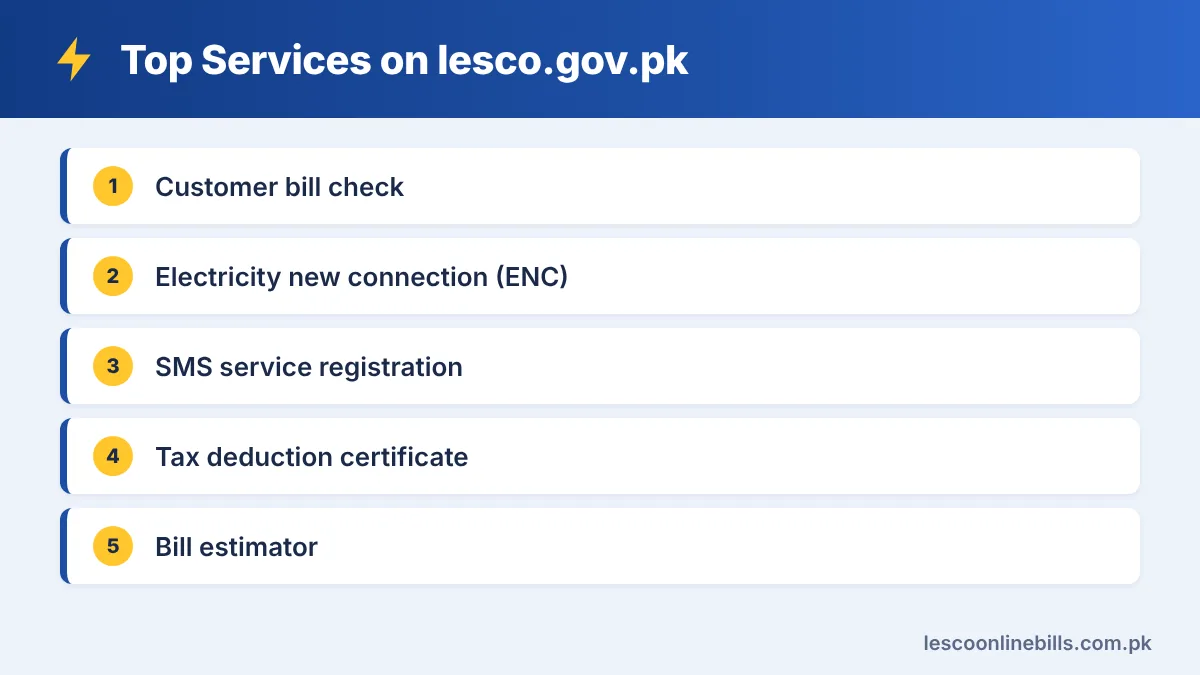
Customer Services on the LESCO Official Website
1. Customer Bill
The Customer Bill link lets you view your current bill with your 14-digit reference number. Our guides on LESCO duplicate bill and LESCO web bill explain how to view, save and print it.
2. Electricity New Connection
This link opens the ENC portal at enc.com.pk, where you apply for a new connection, track it and print the demand notice. See LESCO new connection and LESCO demand notice.
3. Ease of Doing Business
This section is aimed at businesses and investors, with information on connection services and timelines for commercial and industrial users.
4. CNIC Registration
Here you can link your CNIC with your electricity connection. Read our LESCO bill check by CNIC guide to understand what CNIC registration can and cannot do.
5. Tax Deduction Certificate
Download a certificate of the income tax collected through your electricity bills, useful for filing returns. Our LESCO tax certificate guide shows each step.
6. SMS Service Registration
Register your mobile number to receive bill details and alerts by SMS. See LESCO SMS registration.
7. Bill Estimator
Estimate your bill from your units before it arrives. You can also use our own LESCO bill calculator.
8. Load Shedding and Shutdown Schedule
Check planned load shedding and maintenance shutdowns for your feeder. Our LESCO load shedding schedule and LESCO shutdown schedule guides explain how to read them.
9. Net Metering
Information and application links for solar users who want to export units to the grid. See LESCO net metering.
10. Safety Guides and Customer Awareness
Tips on electrical safety at home, during rain and around power lines, plus awareness campaigns for consumers.
11. Theft Reporting
A form where anyone can report electricity theft by entering their name, email and details of the theft event.
12. Complaints (CCMS+)
The online complaint system for supply faults, billing issues and other problems. Our LESCO complaint guide explains how to file and track a complaint, and NEPRA complaint against LESCO explains how to escalate.
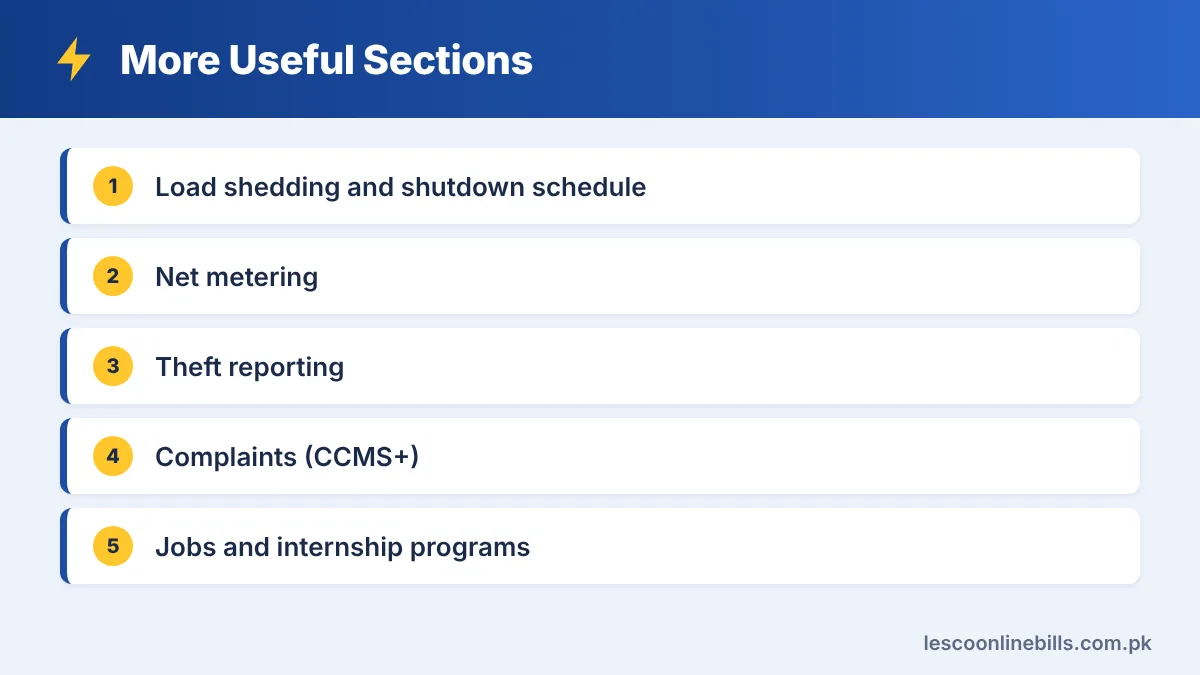
Other Useful Sections of the LESCO Official Website
- PMDU e-Kachehris: registration for online public hearings where consumers can raise issues.
- Defaulters: lists published by LESCO.
- Public Information: official information for the public.
- Job Opportunities and Internship Programs: current openings and how to apply; see our LESCO jobs guide.
- MIS Reports: technical and operational reports; see our LESCO MIS guide.
- Regulatory Corner: the NEPRA Act, the Consumer Service Manual and its amendments, and LESCO’s licences.
How to Check Your Bill on the LESCO Official Website
- Open lesco.gov.pk in your browser.
- Click Customer Services in the top menu.
- Choose Customer Bill.
- Enter your 14-digit reference number without spaces.
- Open the bill and check the units, amount and due date.
- Print it or save it as a PDF if you need a copy.
If the bill does not open on the LESCO official website, try the PITC bill page or our own bill check page. If you do not know your reference number, our LESCO reference number guide shows several ways to find it.
How to Report Theft on the LESCO Official Website
Electricity theft raises losses for everyone and can be dangerous. The LESCO official website has a simple form for reporting it:
- Go to Customer Services and open Theft Reporting.
- Enter your name and email address.
- Describe the theft event: location, what you saw and when.
- Answer the captcha question.
- Submit the form and note the date.
Give clear details such as the street, a nearby landmark and the type of theft you saw. Never try to remove illegal wires yourself; they can be live and deadly.
Using the LESCO Official Website in Urdu
Many consumers find English menus difficult. The LESCO official website has an Urdu option in the top menu. Switching to Urdu changes the main navigation so you can find bills, complaints and schedules more easily. Older pages may still appear in English, but the key services are easy to reach once you know the menu names.
Follow LESCO on Social Media
The header of the LESCO official website links to LESCO’s official Facebook, X (Twitter) and Instagram accounts, plus a LESCO Connect Facebook page. These accounts share outage updates, safety campaigns and announcements. Follow only the accounts linked from the website, because fake pages with similar names sometimes ask people for payments or personal details.
Notices, Tenders and Announcements
The News and Media section of the LESCO official website shares official notices and announcements, while other sections list tenders and investor information. If you see news about price changes, new rules or schedule changes on social media, check whether the same notice appears on the official site before acting on it.
How to Download Your Tax Certificate
Filers often need proof of the income tax collected through their electricity bills. On the official website:
- Open Customer Services and click Tax Deduction Certificate.
- Enter your reference number and choose the tax year.
- View the certificate and check the name and amounts.
- Download or print it for your tax return.
Our full LESCO tax certificate guide covers common errors, such as missing months or a name mismatch.
How to Register for SMS Alerts
SMS alerts tell you when your bill is issued and how much it is, so you never miss a due date. Open SMS Service Registration under Customer Services, enter your reference number and mobile number and submit. You can also register by SMS to 8118. Step-by-step help is in our LESCO SMS registration guide.
Checking Schedules Before Planning Work
Planning a wedding function, an exam week or construction at home? Check the Load Shedding/Shutdown Schedule on the website first. Shutdowns for maintenance are usually announced in advance for specific feeders, so you can plan around them or arrange backup power. If your feeder name is unclear, look at your bill or ask the 118 helpline.
Common Problems and Quick Fixes
| Problem | Quick fix |
|---|---|
| Page not loading | Refresh, switch network or try later |
| Bill not found | Check all 14 digits of the reference number |
| Captcha keeps failing | Type slowly and refresh the captcha |
| Certificate shows wrong name | Apply for change of name at the sub-division |
| Complaint not resolved | Follow up with the complaint number, then escalate |
Why Use the LESCO Official Website?
- Accurate information: schedules, notices and documents come directly from LESCO.
- Safe services: official links protect you from fake portals and scams.
- Free: bill check, registrations and certificates do not cost anything.
- All in one place: bills, connections, complaints and documents from one menu.
- Urdu option: switch to Urdu from the top menu if you prefer.
Read the Consumer Service Manual
One of the most useful but least known parts of the LESCO official website is the Regulatory Corner, which links to NEPRA’s Consumer Service Manual and its amendments, including changes made in 2021 and 2024. This manual sets the rules for new connections, meters, billing and complaints. If you ever argue with LESCO about a bill or delay, the manual tells you what the rules actually say.
Using the LESCO Official Website on Mobile
The LESCO official website opens on mobile browsers, although some older pages are easier to use on a bigger screen. A few tips:
- Turn your phone sideways for wide tables such as schedules.
- Bookmark the pages you use most, such as Customer Bill.
- Keep your reference number saved in your phone notes for quick copy and paste.
- Use the Urdu option if menus are easier for you in Urdu.
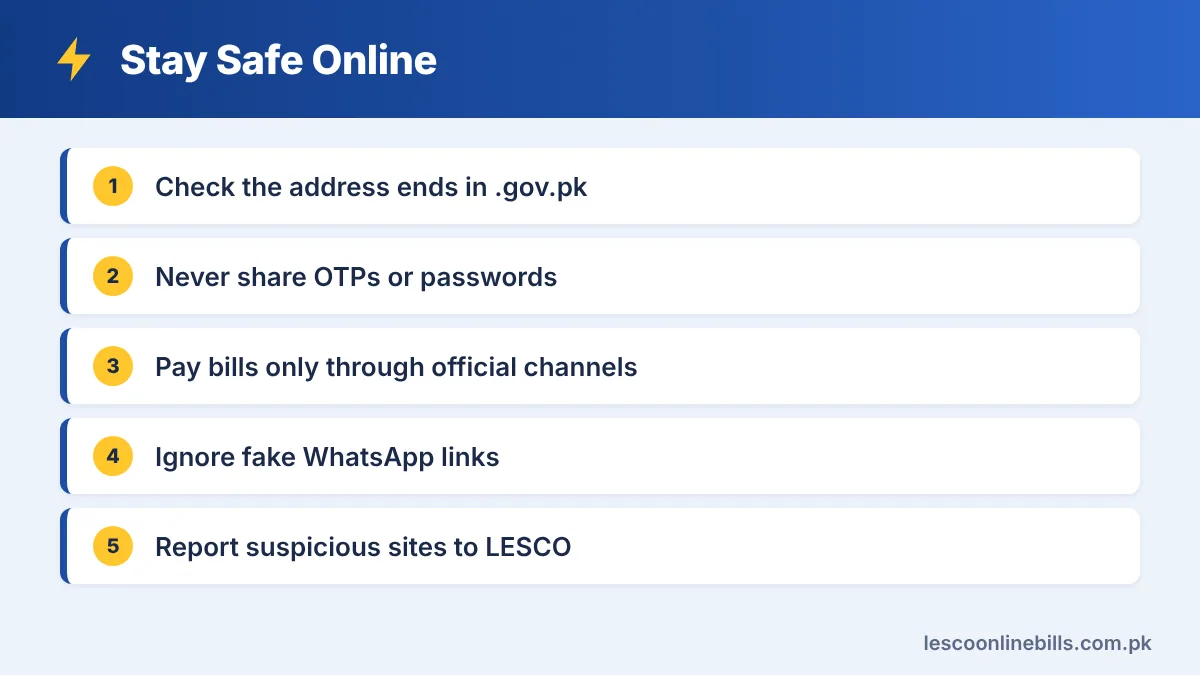
How to Spot a Fake LESCO Website
Scammers copy the look of official sites to steal money or personal data. Protect yourself:
- Check that the address ends in .gov.pk for LESCO’s own pages.
- Be careful with sites that ask for card details, passwords or one-time codes to “check” a bill.
- Do not trust links sent on WhatsApp or SMS from unknown numbers.
- Pay bills only through banks, official apps or known payment services; see LESCO online bill payment.
- Report suspicious sites to LESCO through 118 or the complaint system.
LESCO Official Website vs Our Guides
The LESCO official website gives you the services; our guides explain how to use them in simple words, with screenshots, examples and fixes for common problems. Use both together: open the official service, and keep our guide open for step-by-step help. For example, open the Tax Deduction Certificate page on lesco.gov.pk and follow our tax certificate guide alongside it.
When the Website Is Slow or Not Opening
Like many government sites, the LESCO official website can be slow at busy times, especially near bill due dates. Try these steps:
- Wait a few minutes and refresh the page.
- Switch between Wi-Fi and mobile data.
- Try a different browser or clear your browser cache.
- Use the PITC bill page or our bill check page for bills.
- Call 118 for urgent issues such as supply faults.
Contact Details on the LESCO Official Website
| Service | Contact |
|---|---|
| Hotline | 118 |
| SMS service | 8118 |
| Complaint email | [email protected] |
| Social media | Official Facebook, X and Instagram pages |
For office addresses and more phone numbers, see our LESCO helpline and LESCO office guides.
Services Not Available on the LESCO Official Website
The LESCO official website does not replace every office visit. Some tasks still need a trip to your sub-division, such as signing certain applications, handing in original documents, meeting staff about a detection bill or arranging a site visit. Before you go, check online whether you can start the process on the website first, so your visit is shorter and you know exactly which papers to carry.
Tips for Students, Job Seekers and Businesses
- Students: check the Internship Programs page for how to apply and what LESCO expects.
- Job seekers: watch Job Opportunities and read the recruitment guidelines before applying.
- Businesses: use the Ease of Doing Business section and the ENC portal for commercial and industrial connections.
- Researchers and journalists: the Regulatory Corner and reports give official data and documents.
How Families Can Use the Website Together
Many households have one person who handles all electricity matters. That becomes a problem when that person is busy or away. A better approach is to share the basics with the whole family: save the reference number in a shared note, bookmark the LESCO official website on every phone and show at least one more person how to check the bill and file a complaint. Elderly parents in particular benefit when a younger family member sets up SMS alerts for them, so they always know when a bill arrives.
Keep a printed card near the meter with the reference number, the 118 helpline and the website address. In an emergency, such as sparking wires or a burnt meter, anyone at home can then report the problem quickly.
Is the Website Information Always Up to Date?
Official pages are the most reliable source, but some sections, such as older reports, are updated less often than others. For time-sensitive matters such as tariffs, fixed charges and schedules, check the latest notice date on the page. If something looks old or unclear, confirm it with the 118 helpline or your sub-division before you act.
Quick Links Checklist
- Bookmark lesco.gov.pk.
- Save your 14-digit reference number.
- Register for SMS alerts.
- Download your tax certificate each year.
- Check schedules before planning work at home.
- Use CCMS for complaints and keep the number.
LESCO Official Website FAQs
What is the LESCO official website?
The official website of Lahore Electric Supply Company is lesco.gov.pk. It offers bill check, new connection links, SMS and CNIC registration, tax certificates, the bill estimator, schedules, complaints, jobs and official documents.
Can I check my LESCO bill on the official website?
Yes. Open Customer Services and choose Customer Bill, then enter your 14-digit reference number. You can also check your bill on the official PITC bill page.
Where do I apply for a new connection?
The Electricity New Connection link on the LESCO website opens the ENC portal at enc.com.pk, where you can apply, track your application and print your demand notice.
Is there an Urdu version of the LESCO website?
Yes, the website has an Urdu option in its top menu, so you can switch the language if you prefer reading in Urdu.
How do I report electricity theft on the LESCO website?
Use the Theft Reporting page under Customer Services. Enter your name, email and the details of the theft event, answer the captcha and submit.
How can I tell if a LESCO website is fake?
The official address ends in .gov.pk. Be careful with lookalike domains, social media pages asking for payments or links sent on WhatsApp. Never share passwords or one-time codes.
Final Words
The LESCO official website, lesco.gov.pk, is the safest place to start for almost any electricity service in Lahore and nearby districts. Go to Customer Services for bills, new connections, registrations, certificates, schedules, net metering, theft reporting and complaints, and use the Regulatory Corner to read your rights. Bookmark it, avoid lookalike sites, and use our step-by-step guides whenever a menu feels confusing.