LESCO Bill QR Code 2026: How to Scan, Pay and See Your Taxes
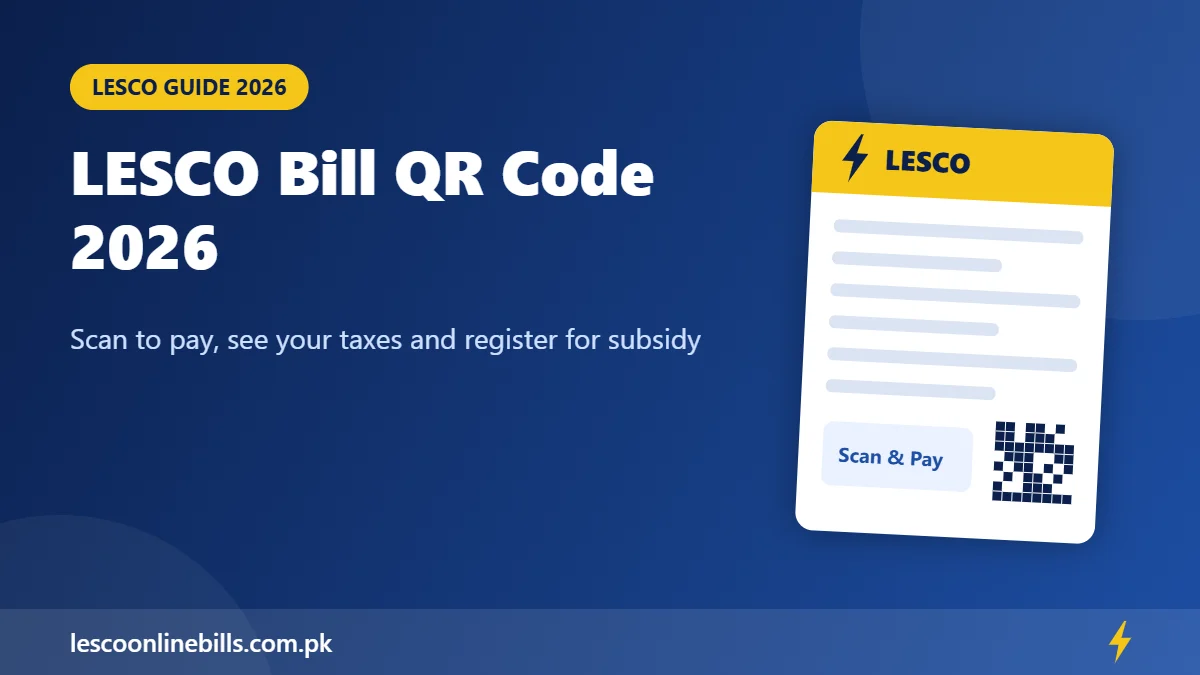
Your electricity bill looks different in 2026. Instead of long lists of taxes and adjustments, LESCO bills now carry QR codes. A LESCO bill QR code can take you to the full breakdown of your charges, let you pay the bill in seconds from a banking app, or open the subsidy registration form for protected consumers.
This guide explains what each LESCO bill QR code does, how to scan it on any phone, how to pay with it, what to do when a code will not scan, and how to avoid the fake QR scams that the government has warned about.
Quick answer: Since June 2026 LESCO bills carry three QR codes: one for the tax and adjustment breakdown, one for protected-consumer subsidy registration, and one for digital payment. Scan the payment LESCO bill QR code with your banking app to pay instantly, or the tax code with your phone camera to see every charge. Scan only the codes printed on your own bill.
Table of Contents
What Is the LESCO Bill QR Code?
A QR code is a square barcode your phone can read. LESCO first added a payment QR code to bills in October 2025, so consumers could pay by scanning it with a mobile banking app. In June 2026 LESCO moved to a simpler bill layout and added more codes. Charges such as the fuel price adjustment and quarterly adjustment are no longer listed one by one on the printed bill; the bill shows a combined total, and the details are available through a QR code.
| LESCO bill QR code | What it does | Who needs it |
|---|---|---|
| Tax and charges code | Shows the full breakdown of taxes, duties and adjustments | Anyone who wants to check their bill |
| Subsidy registration code | Opens the form to register as a protected consumer | Domestic consumers using up to 200 units |
| Payment code | Lets you pay the bill from a banking app | Everyone paying digitally |
The switch to the three-code format was reported by ProPakistani in June 2026, and the push for QR payments on utility bills follows a 2025 decision by the Finance Ministry and the State Bank, covered by Business Recorder.
How to Scan a LESCO Bill QR Code
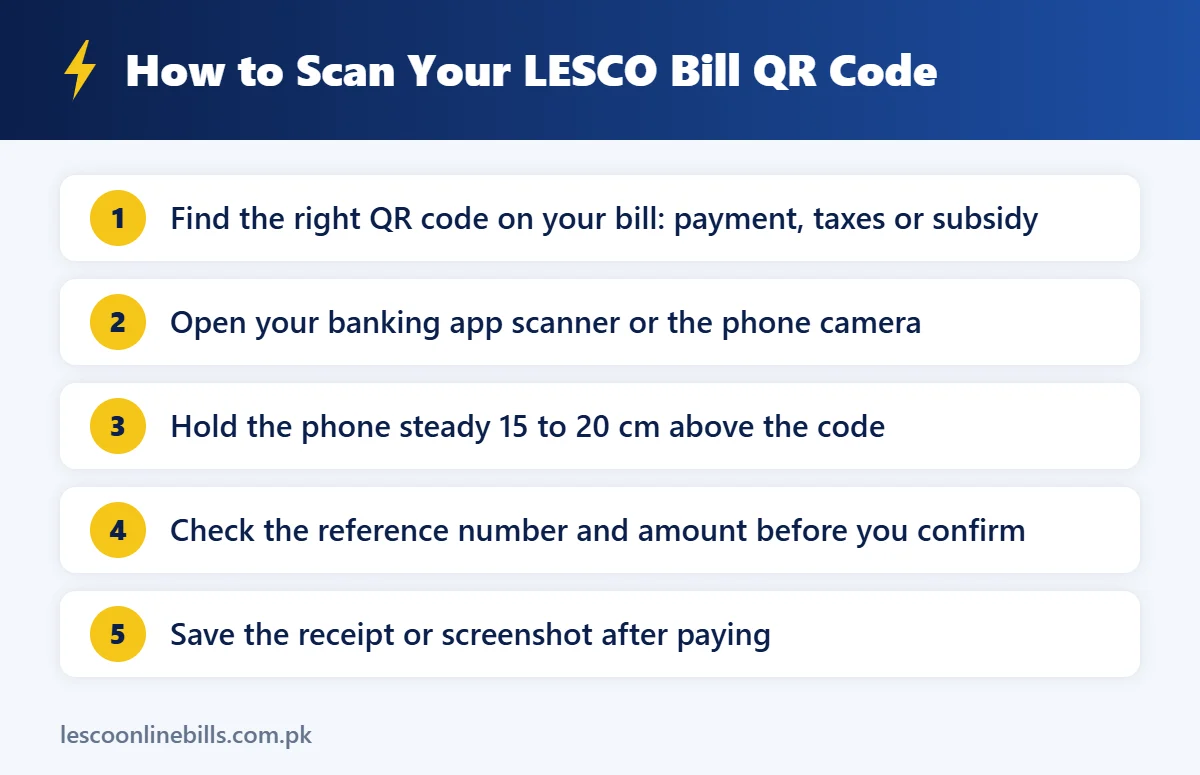
- Pick the right code. Read the small label next to each LESCO bill QR code so you know which one you are scanning.
- Use the right scanner. For payment, open the QR scan option inside your banking app. For the tax details or subsidy form, your phone camera or Google Lens is enough.
- Hold the phone steady. Keep it 15 to 20 cm above the code, in good light, until it reads.
- Check what opens. The page or payment screen should show your 14-digit reference number. If it shows someone else’s details, stop.
- Finish and save. Complete the step and take a screenshot of the result.
How to Pay With the LESCO Bill QR Code
Paying with the LESCO bill QR code is the fastest way to clear your bill, because the reference number and amount fill in by themselves.
- Open your mobile banking app and log in.
- Tap Scan QR or Pay with QR.
- Scan the payment QR code on your LESCO bill.
- Check the consumer name, reference number, month and amount.
- Confirm with your PIN or OTP and save the receipt.
In August 2025 the Finance Ministry and the State Bank of Pakistan asked utility companies to add QR codes to bills so people could pay instantly through banking apps. If your app does not offer QR bill payment yet, you can still pay by entering the reference number under Utility Bills, then LESCO.
Good to know: Post offices stopped collecting LESCO bills from 1 April 2026. The LESCO bill QR code, banking apps, wallets and bank branches are now the main ways to pay. After paying, confirm the payment with our guide on checking if your LESCO bill is paid.
See Your Taxes and Adjustments Through the QR Code
Because the new bill shows a combined figure, the tax LESCO bill QR code is the place to see how your total was calculated. When you scan it, look for:
- Cost of electricity: units multiplied by your slab rate.
- Fixed charges: the monthly fixed amount for your category.
- Fuel charge adjustment: a monthly change; October 2026 bills include Rs1.11 per unit for August.
- Quarterly adjustment: about 52 paisa per unit on September to November 2026 bills.
- General sales tax: charged at 18%.
- Income tax: charged on domestic bills above Rs25,000 for people who are not on the Active Taxpayers List.
Compare the units with your meter and the rates with our LESCO unit rate page, or estimate the total with the LESCO bill calculator.
The Subsidy Registration QR Code
On 7 May 2026 the Power Division announced a QR code system for subsidised consumers. Protected consumers scan the code on their bill, check that the 14-digit reference number has filled in, enter their CNIC, add a mobile number registered on that CNIC, and confirm with the one-time code sent by SMS. The bill then shows the monthly subsidy amount. Make sure the name on the bill matches your CNIC to avoid problems. By the end of May 2026 about two million single-phase consumers had registered nationwide.
LESCO Bill QR Code Not Scanning? Common Fixes
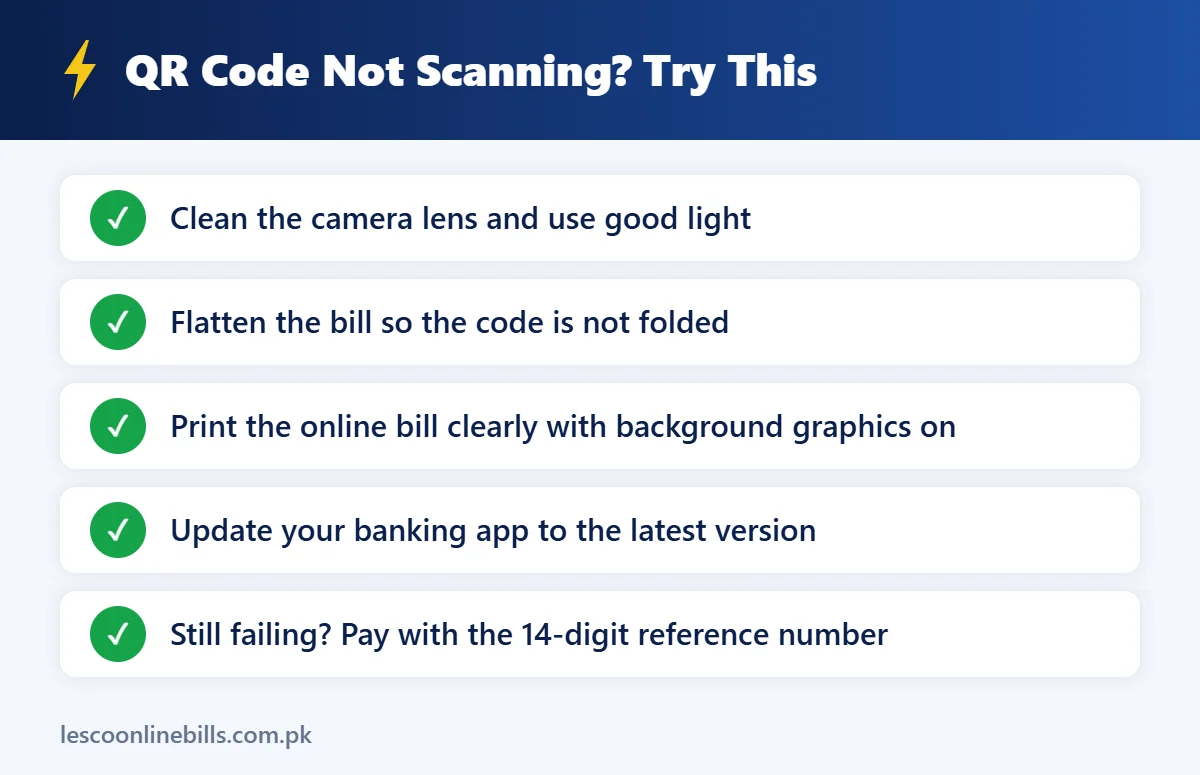
| Problem | Fix |
|---|---|
| Camera will not focus | Clean the lens, add light and move a little further away |
| Code is folded or wet | Flatten the bill, or open the online copy and scan from a clear print |
| Printed copy is blurry | Print with “Background graphics” on; see our LESCO duplicate bill guide |
| Banking app says invalid code | Update the app, or make sure you scanned the payment code, not the tax code |
| Wrong amount shows | Do not pay; check the bill online with your reference number first |
If nothing works, you never actually need the LESCO bill QR code to pay. Type the 14-digit LESCO reference number into your app instead.
Who Benefits Most From the LESCO Bill QR Code?
- Busy families: paying with the LESCO bill QR code takes less than a minute, with no queue and no typing.
- Older consumers: there is no long reference number to read and type, which avoids mistakes.
- People who used post offices: since post offices stopped collecting LESCO bills, the QR code is the simplest digital replacement.
- Anyone who questions the total: the tax code shows exactly how the combined amount was worked out.
- Protected consumers: the subsidy code lets them register from home instead of visiting an office.
Tips to Keep Your QR Codes Readable
A LESCO bill QR code only works if the camera can read it. Keep the paper bill flat and dry, and do not write or staple over the codes. When you print an online copy, use the normal or high quality setting and keep “Background graphics” turned on. If you pay for relatives in another city, ask them for the 14-digit reference number from the bill instead of a forwarded image of a QR code, and type it into your banking app. That way you never scan a code you cannot fully trust.
Finally, remember that the codes change with every new bill. A payment code on last month’s bill is linked to last month’s amount, so always scan the code on the latest bill.
Stay Safe: Avoid Fake LESCO Bill QR Code Scams
On 22 May 2026 the Power Division warned the public about fake QR codes and subsidy links that ask for personal details and a six-digit code. Follow these rules:
- Scan only the LESCO bill QR code printed on your own bill.
- Never scan QR codes sent on WhatsApp, Facebook or SMS.
- Never share an OTP or six-digit code with a caller.
- Do not fill in paper forms or third-party websites that promise subsidy.
Old Bill Format vs New Bill Format
| Point | Older LESCO bill | New 2026 LESCO bill |
|---|---|---|
| Taxes and adjustments | Listed line by line | Combined total, details in a QR code |
| Payment | Reference number at bank, app or post office | Payment QR code, apps and banks; no post offices |
| Subsidy | No registration on the bill | Subsidy registration QR code for protected consumers |
After scanning and paying, take a minute to read the rest of your bill. Our LESCO bill explained guide covers every section of the 2026 bill.
LESCO Bill QR Code FAQs
Which app do I need to scan the LESCO bill QR code?
For payment, use the QR scanner inside your mobile banking app. For tax details or subsidy registration, the phone camera or Google Lens works.
Is there a fee to pay through the QR code?
Fees depend on your bank. Many banks do not charge for QR or Raast payments; check your app before paying.
Can I scan the QR code from the online bill?
Yes, if it is clear. Open the bill on a computer and scan the screen, or print it with background graphics on.
Why are taxes missing from my new bill?
They are not missing. The new format shows a combined amount, and the full breakdown is in the tax LESCO bill QR code.
Is it safe to scan the QR code on my bill?
Yes, when it is the code printed on your own bill. The danger comes from codes and links shared by strangers.
Final Words
The LESCO bill QR code makes three jobs easier: paying your bill, checking every charge and registering for subsidy. Learn which code does what, scan only the codes on your own bill, check the details before you confirm, and keep your receipt. If a code ever fails, your 14-digit reference number still works everywhere.