LESCO Bill Check by Meter Number 2026: Is It Possible and Official Alternatives
Many people lose their old bills but still have the meter at home. That is why so many search for a LESCO bill check by meter number option. It sounds simple: read the number on the meter, type it online and see the bill. In reality, official bill portals work a little differently, and knowing how saves you from wasting time on fake websites.
This guide explains whether a LESCO bill check by meter number is possible, the difference between the meter number and the reference number, where to find your meter number, and the official ways to get your bill when the meter number is all you have. We also show how to stay safe from sites that promise searches they cannot legally provide.
Table of Contents
Can You Do a LESCO bill check by meter number?
The short answer is no, not directly on official portals. The PITC bill portal used for LESCO bills asks for the reference number or the customer ID. Official guidance from the Power Division and news reports on how to download LESCO bills list only those two inputs. None of them list the meter number as a search option.
However, the meter number is still useful. It is the key that LESCO staff use to trace your account in their system. So a LESCO bill check by meter number works in two steps: first use the meter number to recover your reference number through an official channel, then use the reference number to check the bill.
Why the meter number is not used for online search
- Meters change: when a meter is replaced, the meter number changes, but the account and reference number stay the same.
- Accounts, not devices: bills are linked to your account, which holds your name, tariff, arrears and history.
- Privacy: a search by an easily visible number on a wall could expose someone else’s bill details to strangers.
Meter Number vs Reference Number vs Customer ID
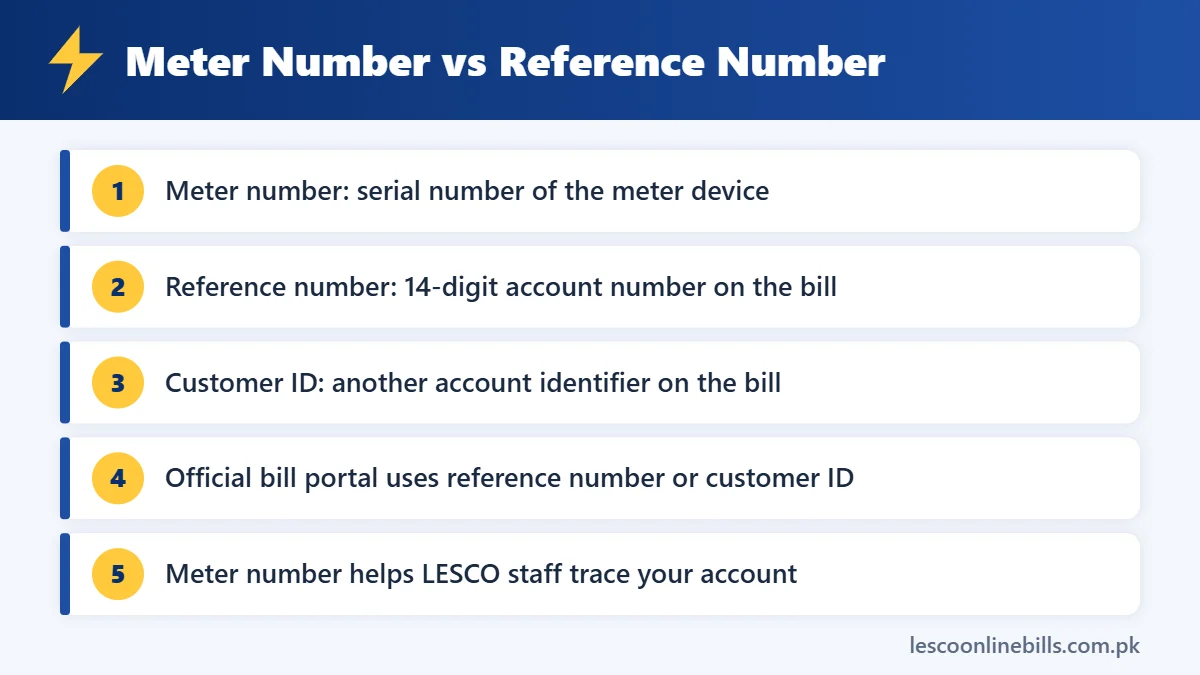
These three numbers confuse many consumers. Here is the difference:
| Number | What it identifies | Used for online bill check? |
|---|---|---|
| Meter number | The physical meter device | No, but helps staff trace your account |
| Reference number (14 digits) | Your electricity account | Yes |
| Customer ID | Your customer record | Yes |
Our LESCO reference number guide explains the 14 digits in detail, and our LESCO bill by customer ID page shows how to check a bill with the customer ID.
Where to Find Your Meter Number
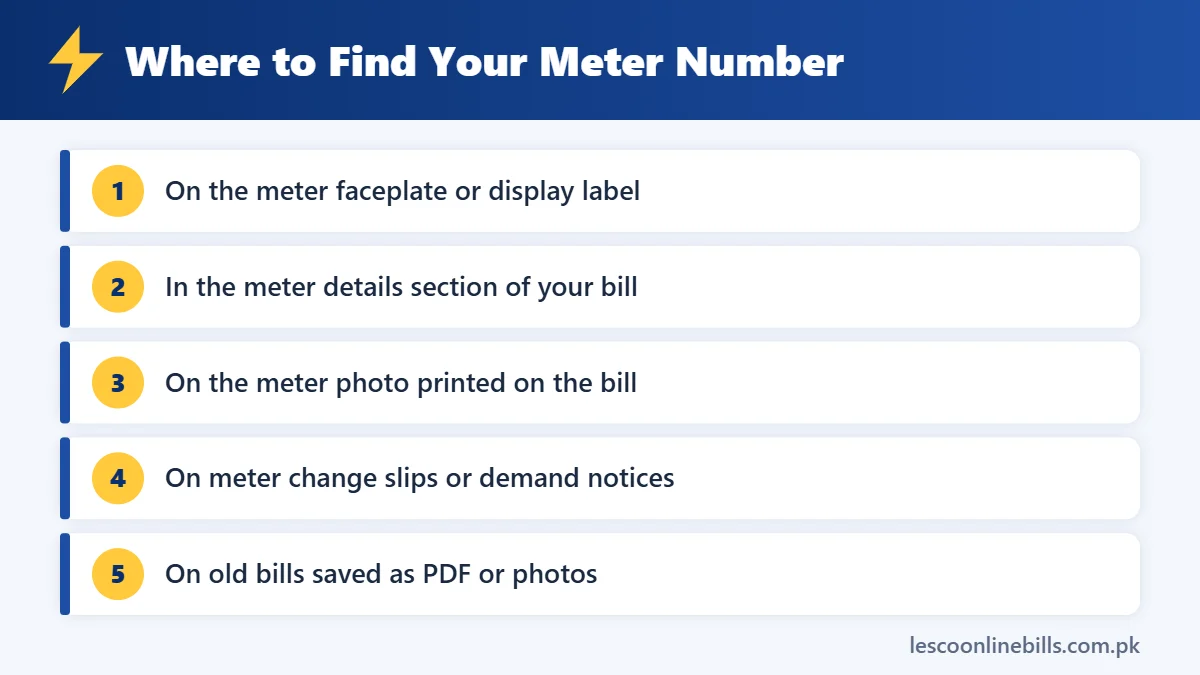
Before any LESCO bill check by meter number request, you need the correct meter number. You can find it in several places:
- On the meter: look for a printed serial number on the faceplate or a label on the meter body.
- On the bill: the meter number is printed in the meter or reading details section, near your readings.
- On the meter photo: newer bills include a snapshot of your meter, which sometimes shows the serial number.
- On meter change slips: if your meter was replaced, the slip or demand notice shows the new number.
- On old bill photos or PDFs: check your phone gallery or email for any saved bill.
If your meter is a smart meter, the number may also appear on the display during its scrolling cycle. Our LESCO smart meter guide explains the display screens.
LESCO Bill Check by Meter Number: Official Alternatives
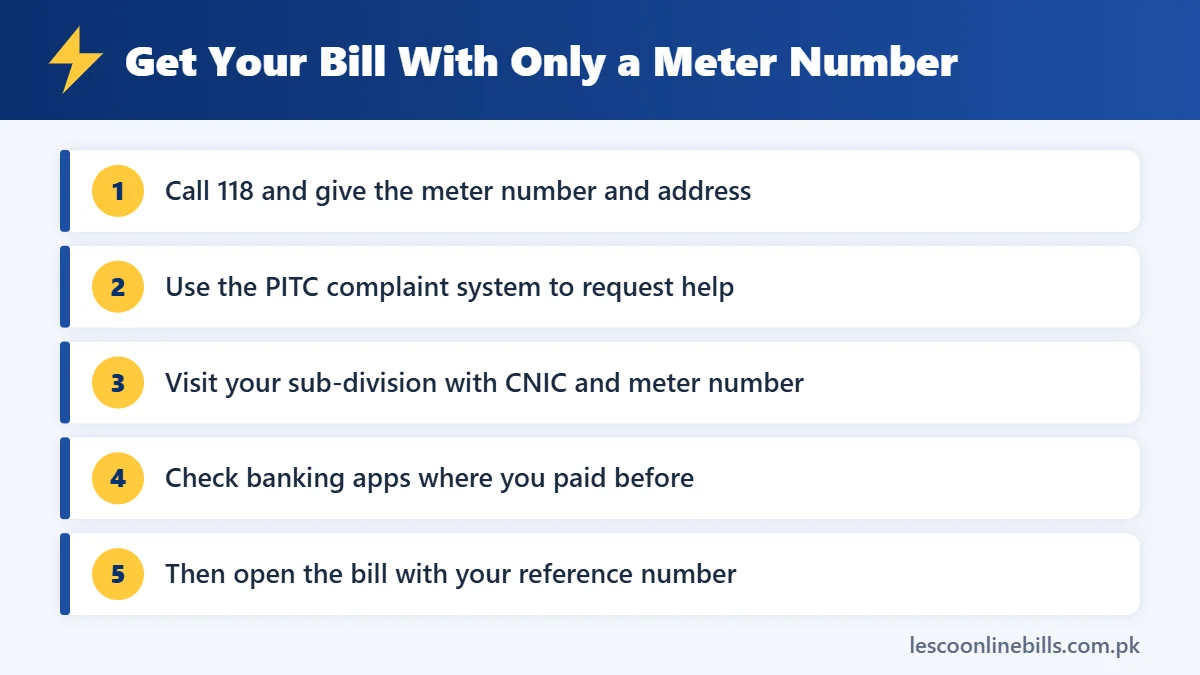
Here are the official ways to turn a meter number into a bill you can see and pay.
1. Call the 118 helpline
Call 118 and explain that you have the meter number but not the reference number. Give the meter number, your full address and the name on the connection. The agent can trace the account and share the reference number or guide you to your sub-division. Our LESCO helpline guide lists other contact options.
2. Use the PITC complaint system
You can also log a request on the PITC complaint system and ask for help finding your reference number. Mention the meter number and address clearly.
3. Visit your sub-division office
Take your CNIC, the meter number and your address to the sub-division revenue desk. Staff can search their records and print a duplicate bill on the spot. Our LESCO office guide shows how to find your sub-division.
4. Check your banking app or wallet
If you have ever paid the bill through a banking app or mobile wallet, the reference number is often saved in your billers or payment history. This is the fastest route for many people.
5. Ask a neighbour carefully
A neighbour’s bill can show the batch and sub-division part of the reference number for your street, but not your own account number. Use this only as a clue when talking to 118 or the office, not as your reference number.
After You Get the Reference Number
Once you have the reference number, the rest of the LESCO bill check by meter number process is quick:
- Open the official PITC LESCO bill page or our LESCO bill check online tool.
- Enter the 14-digit reference number.
- View the full bill, including the meter number, readings and amount.
- Confirm that the meter number on the bill matches your meter.
- Print or save the bill as a PDF. Our LESCO web bill guide shows how.
Write the reference number somewhere safe so you never need to trace it again.
Why the Meter Number on the Bill Matters
Even though a direct LESCO bill check by meter number is not available online, the meter number on your bill is very important. Always compare it with the number on your meter. A mismatch can mean:
- Your meter was changed but the record was not updated.
- Readings from another meter are being billed to you.
- In a shared building, meters may have been mixed up.
Any of these can cause wrong bills. If you find a mismatch, report it on 118 and ask for correction. Our LESCO bill correction guide explains the process, and our LESCO meter reading guide helps you compare readings.
Details to Keep Ready for a LESCO bill check by meter number Request
Whether you call 118 or visit an office, the more details you give, the faster the account can be traced. Keep these ready before you start a LESCO bill check by meter number request:
- The full meter number, exactly as printed on the meter.
- Your complete address, including house number, street, block and area.
- The name on the connection, even if it is a previous owner’s name.
- Your CNIC, and the owner’s CNIC copy if you are a tenant or family member.
- Any old receipt, photo of a bill or demand notice, even if partly torn.
- Your mobile number, so the office can send updates.
Sample Call Script for a LESCO bill check by meter number Request
Many people feel unsure what to say on the phone. You can use a simple script like this when you call 118:
Write down the reference number, the agent’s guidance and any complaint number they give you. If they cannot share the number over the phone, they will usually guide you to the sub-division, where you can complete the LESCO bill check by meter number process in person.
LESCO bill check by meter number for Tenants and New Owners
Tenants often move into a house where the owner keeps the bills. New owners may receive the keys but not the old bills. In both cases, a LESCO bill check by meter number request is the quickest starting point.
- Tenants: ask the landlord for the reference number first. If that is not possible, use the meter number with 118 or the sub-division, and carry your rent agreement if you visit the office.
- New owners: trace the reference number using the meter number, then apply for a name change so the account is in your name. Our LESCO change of name guide explains how.
- Check for arrears: once you see the bill, look for unpaid amounts left by the previous user before you pay.
Real Example: Finding a Lost Bill With the Meter Number
Hina moved into a rented portion in Iqbal Town. The landlord was abroad, and no old bills were left in the house. She photographed the meter, noted the serial number and called 118. She explained that she wanted a LESCO bill check by meter number because she had no reference number. The agent asked for her address and the owner’s name, traced the connection and guided her to the right sub-division.
At the sub-division, the revenue clerk confirmed the reference number using the meter number and printed a duplicate bill. Hina saved the reference number in her phone, paid the bill through her banking app and now checks it online every month. Her LESCO bill check by meter number took one phone call and one short office visit.
Common Problems With a LESCO bill check by meter number Request
- Meter recently changed: the new meter number may not be updated in the system yet. Give the old meter number too, if you know it.
- Several meters in one building: make sure you read the right meter and give the portion or flat number.
- Faded serial number: take a clear photo in good light and zoom in before reading it.
- Different name on the account: mention the previous owner’s name if you know it, and carry your ownership or rent papers.
Beware of Unofficial Meter Number Search Sites
Many websites claim to offer a LESCO bill check by meter number, a search by name or a search by CNIC. Some show ads, some collect personal data and some display wrong information. Protect yourself:
- Use only official channels: the PITC bill portal, 118, the PITC complaint system and LESCO offices.
- Never enter your CNIC, bank details or OTP on unknown sites.
- Do not pay bills through links shared by strangers.
- Check the website address carefully before entering any number.
Keep Your Account Details Safe for Next Time
Once you have recovered your bill, take a few minutes to make sure you never need a LESCO bill check by meter number again:
- Save the reference number and customer ID in your phone contacts and notes.
- Download the current bill as a PDF and keep it in a folder.
- Add LESCO as a biller in your banking app with a clear label.
- Register your mobile number for bill and outage alerts.
- Photograph the meter, including the serial number, and save the photo with the bill.
With these steps, your bill is always one tap away, even if the paper copy goes missing again.
Other Ways to Check Your Bill
- By reference number: the standard method on the official portal.
- By customer ID: also accepted on the official portal.
- By serial number: see our LESCO bill check by serial number guide.
- By CNIC: see our LESCO bill check by CNIC guide for what is and is not possible.
- Duplicate bill: see our LESCO duplicate bill guide for printing.
LESCO Bill Check by Meter Number FAQs
Can I check my LESCO bill by meter number online?
Official LESCO bill sources ask for the 14-digit reference number or the customer ID, not the meter number. If you only have the meter number, use 118, the PITC complaint system or your sub-division office to trace your reference number first.
Where is the meter number on a LESCO bill?
The meter number is printed in the meter or reading details section of the bill, near the readings. It also appears on the meter itself, usually on the faceplate or label.
Is the meter number the same as the reference number?
No. The meter number identifies the physical meter, while the reference number identifies your account. If your meter is changed, the meter number changes but the reference number usually stays the same.
How do I find my reference number from my meter number?
Call 118 or visit your sub-division office with the meter number, your address and CNIC. Staff can trace the account and give you the reference number, which you can then use to check the bill online.
Are websites that offer bill check by meter number safe?
Be careful. Many unofficial sites claim to search by meter number, name or CNIC. Use only official channels such as the PITC bill portal, 118 and LESCO offices, and never enter your CNIC on unknown websites.
Can I check my bill without a reference number at all?
Yes, by first recovering the reference number through 118, your sub-division, an old bill, a saved bill photo or a banking app where you paid before, and then using it on the official bill page.
Final Words
A direct LESCO bill check by meter number is not offered on official portals, but the meter number is still your key to recovering the bill. Use it with 118, the PITC complaint system, your sub-division or your banking app to find the reference number, then open the bill on the official page. Save the reference number for the future, compare the meter number on every bill with your meter and stay away from unofficial search sites.